Claude can write a small website from a short description. These steps put it on the internet under your own domain.
1. Ask for something you can upload
Describe your business and ask for a ready-to-upload page:
Build a one-page website for my [type of business]. Give me one complete index.html file with the styles inside it, and tell me what to name it.
If Claude shows the page in a preview, use the option to copy or download the code. If it shows a code block, use its copy button.
2. Save it as index.html
Paste the code into a plain text editor (Notepad, or TextEdit in plain text mode) and save it as index.html. On Windows choose All Files as the type so you do not end up with index.html.txt. Double-click it to check that it opens as a web page.
3. Upload it
Add your domain first, as in Put a website made with AI online. Then open File manager.
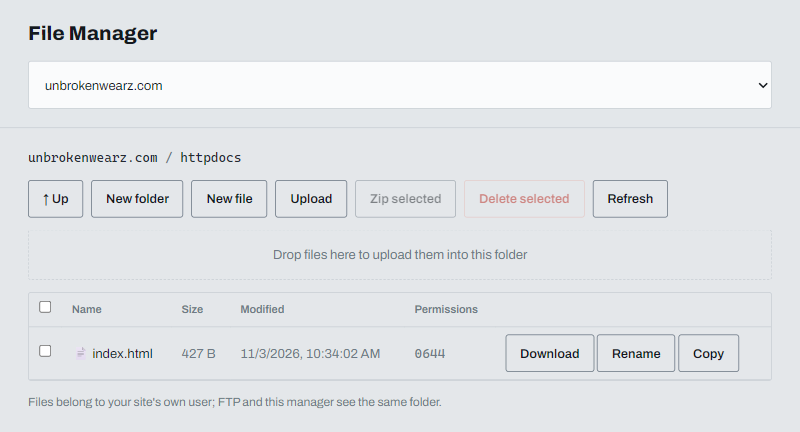
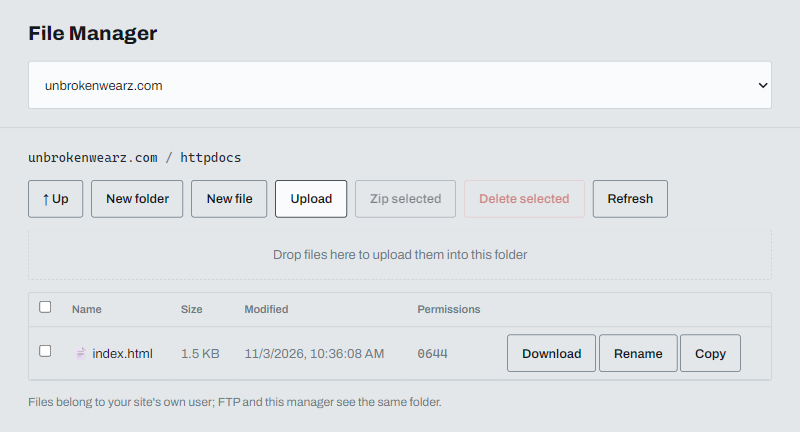
Click Upload and choose your index.html. It replaces the placeholder in the httpdocs folder, which is your public folder.
4. Point your domain and turn on HTTPS
Change your domain's nameservers as described in Pointing your domain to ABC Teck. Once the change takes effect the site is live. Then turn on the HTTPS redirect.
Make changes
Paste your current code into Claude, say what to change and ask for the full file back. Save it as index.html and upload it again.
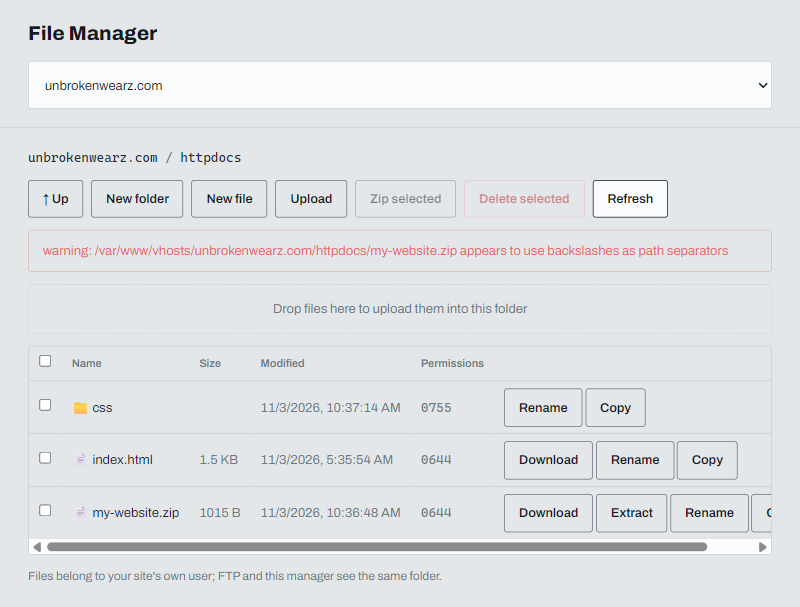
Sites with more than one file
If your project has a CSS folder or images, zip the whole folder, upload the .zip and click Extract. Afterwards your index.html should sit directly in httpdocs.