ChatGPT can write a small website for you, but what you get is text in a chat. It has to become a file on your computer, and then land on your hosting account.
1. Ask for a single file
One file is the easiest first website. Ask for it like this:
Build me a one-page website for my business, [describe it]. Put everything in a single index.html file with the CSS inside it. Do not use any external files.
2. Save the code as index.html
- Click Copy on the code block in the chat.
- Open Notepad (Windows) or TextEdit (Mac). On a Mac, choose Format, then Make Plain Text first.
- Paste the code, choose Save As and name the file
index.html.
Windows can hide file extensions, so a file you named index.html may really be index.html.txt. In Notepad, set Save as type to All Files. Double-click the file: if it opens in your browser as a web page, it is correct.
3. Upload it
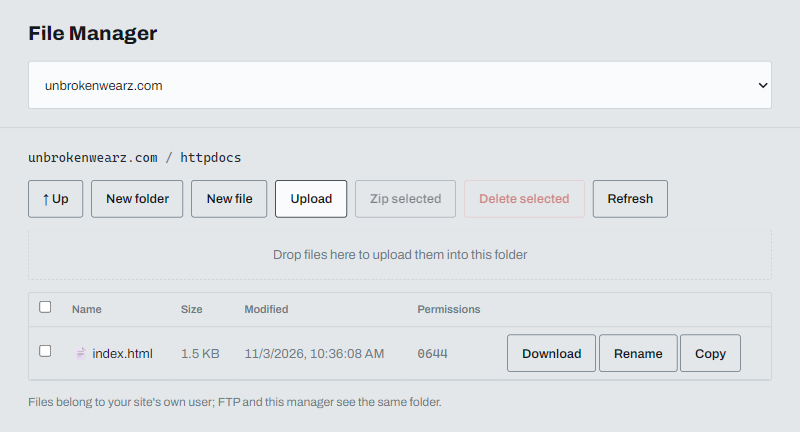
Add your domain first, as in Put a website made with AI online. Then open File manager, click Upload and choose your index.html. It replaces the placeholder page in the httpdocs folder.
4. Point your domain and check the site
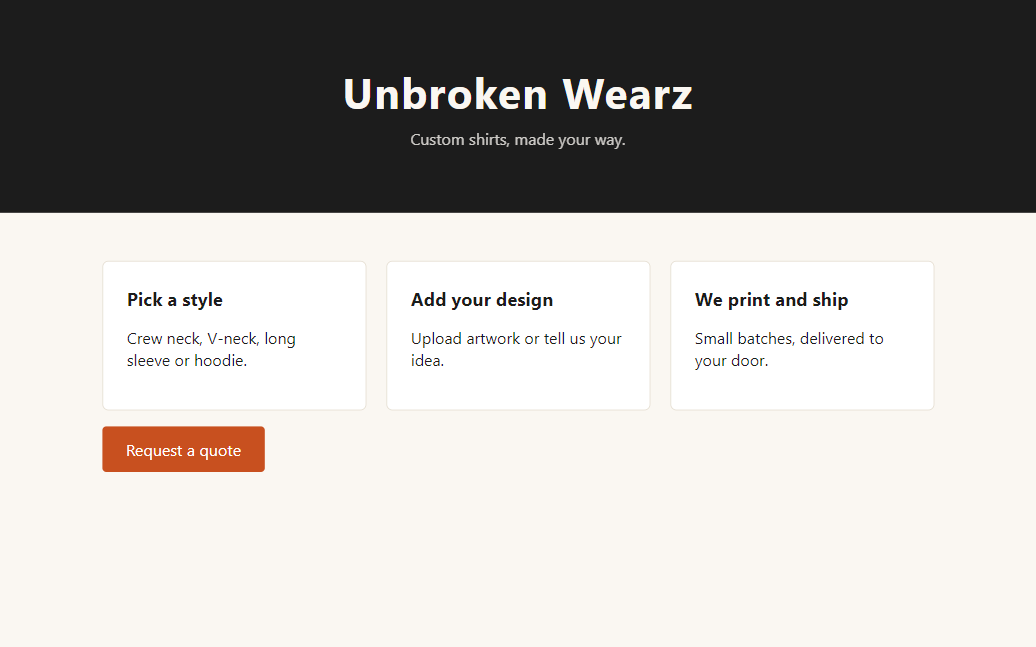
Set your domain's nameservers as described in Pointing your domain to ABC Teck. When the change takes effect your site is live, and the SSL certificate is added automatically.
Change the site later
Paste your current code into ChatGPT, describe the change and ask for the whole file back. Save it as index.html and upload it again. The new file replaces the old one.
If ChatGPT gave you several files
Ask it to put everything into one file. Or save the files in a folder, zip the folder, upload the .zip and click Extract. Your index.html must end up directly in httpdocs. See Upload files and extract a zip in the File manager.