The File manager lets you upload, organise and unpack your website files in the browser, with nothing to install. FTP shows the same folder, if you prefer an FTP program.
Open it
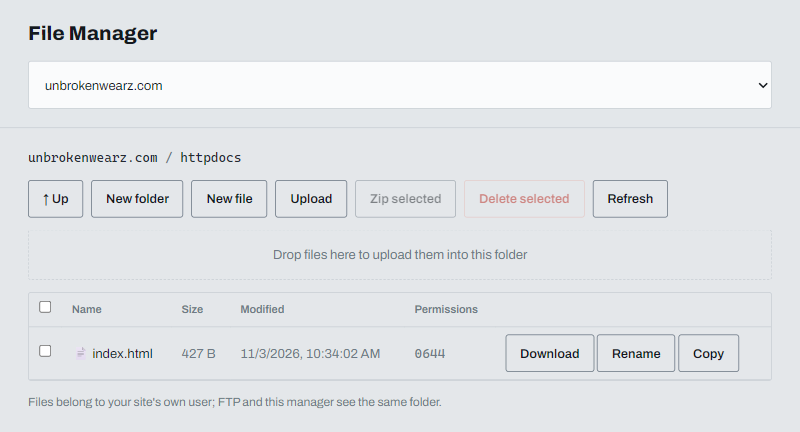
Click File manager in the left menu and choose your domain. It opens in httpdocs, your public folder: whatever is in it is what visitors see.
Upload files
Click Upload and choose your files, or drag them onto the page. Each file has Download, Rename and Copy buttons.
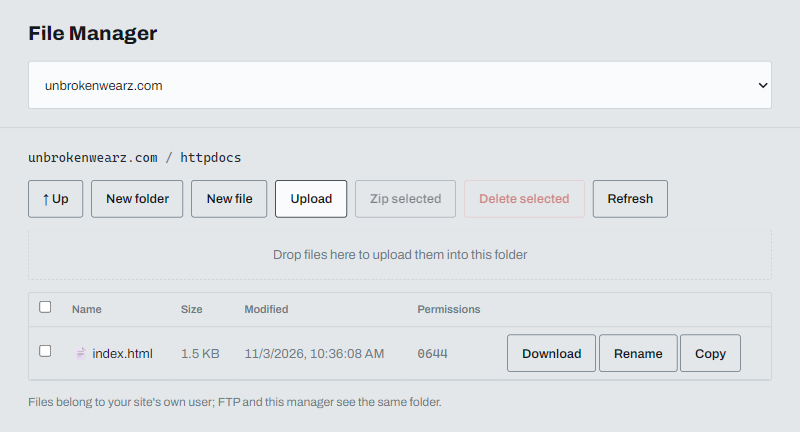
A new domain starts with a placeholder index.html. If you upload a file with the same name, it replaces the old one without asking.
Upload a zip and extract it
- Upload the
.zipfile. - Click Extract next to it.
- Confirm. The files are unpacked into the same folder. Files with the same names are overwritten.
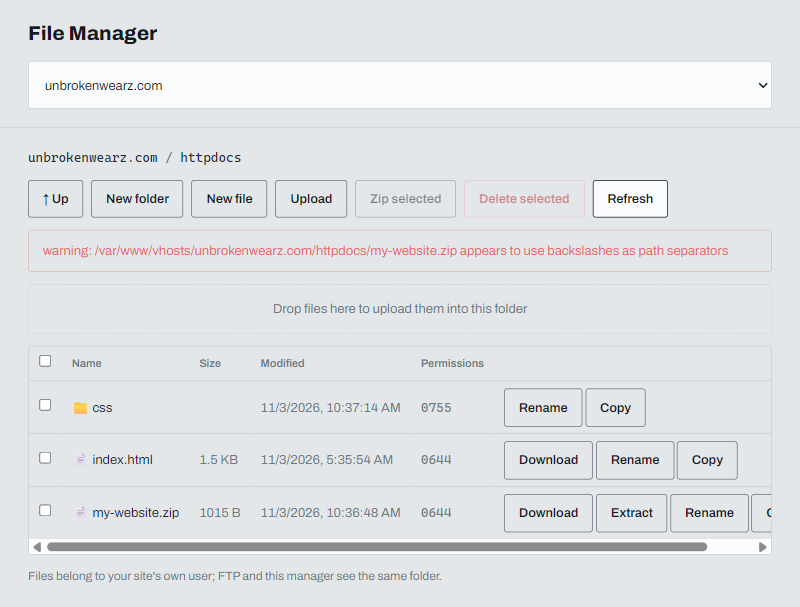
Check that index.html sits directly in httpdocs. If your zip had a folder inside it, open that folder, or move its contents up.
If you see a warning about backslashes after extracting, some Windows tools write zip paths that way. The files are still unpacked correctly.
Other buttons
- New folder and New file create them in the current folder.
- Zip selected packs the ticked files into a zip. Delete selected removes them.
- Up goes to the parent folder. Refresh reloads the list.